Nucleo H753ZI
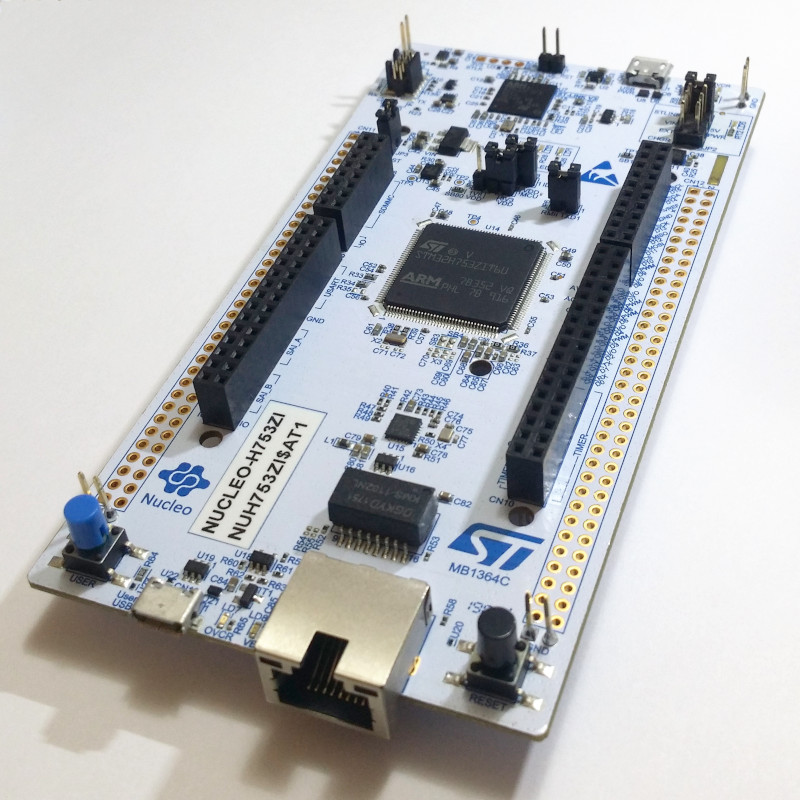
Vendor: ST Microelectronics
Source on GitHub: stm32/NUCLEO_H753ZI
More info: Website
Installation instructions
STM32 via ST-Link
Nucleo and Discovery boards typically include a built-in ST-Link programmer.
A .bin or .hex file can be flashed using st-flash.
# Optional erase to clear existing filesystem.
st-flash erase

# Flash .bin
st-flash write firmware.bin 0x08000000
# or, flash .hex
st-flash --format ihex write firmware.hex
A .hex file can be flashed using STM32 Cube Programmer.
STM32_Programmer.sh -c port=SWD -d firmware.hex -hardRst
STM32 via DFU
Boards with USB support can also be programmed via the ST DFU bootloader, using e.g. dfu-util or pydfu.py.
To enter the bootloader the BOOT0 pin can be connected to VCC during reset, or you can use machine.bootloader() from the MicroPython REPL.
dfu-util --alt 0 -D firmware.dfu
Firmware
Releases
Preview builds
These are automatic builds of the development branch for the next release.