W5500-EVB-Pico
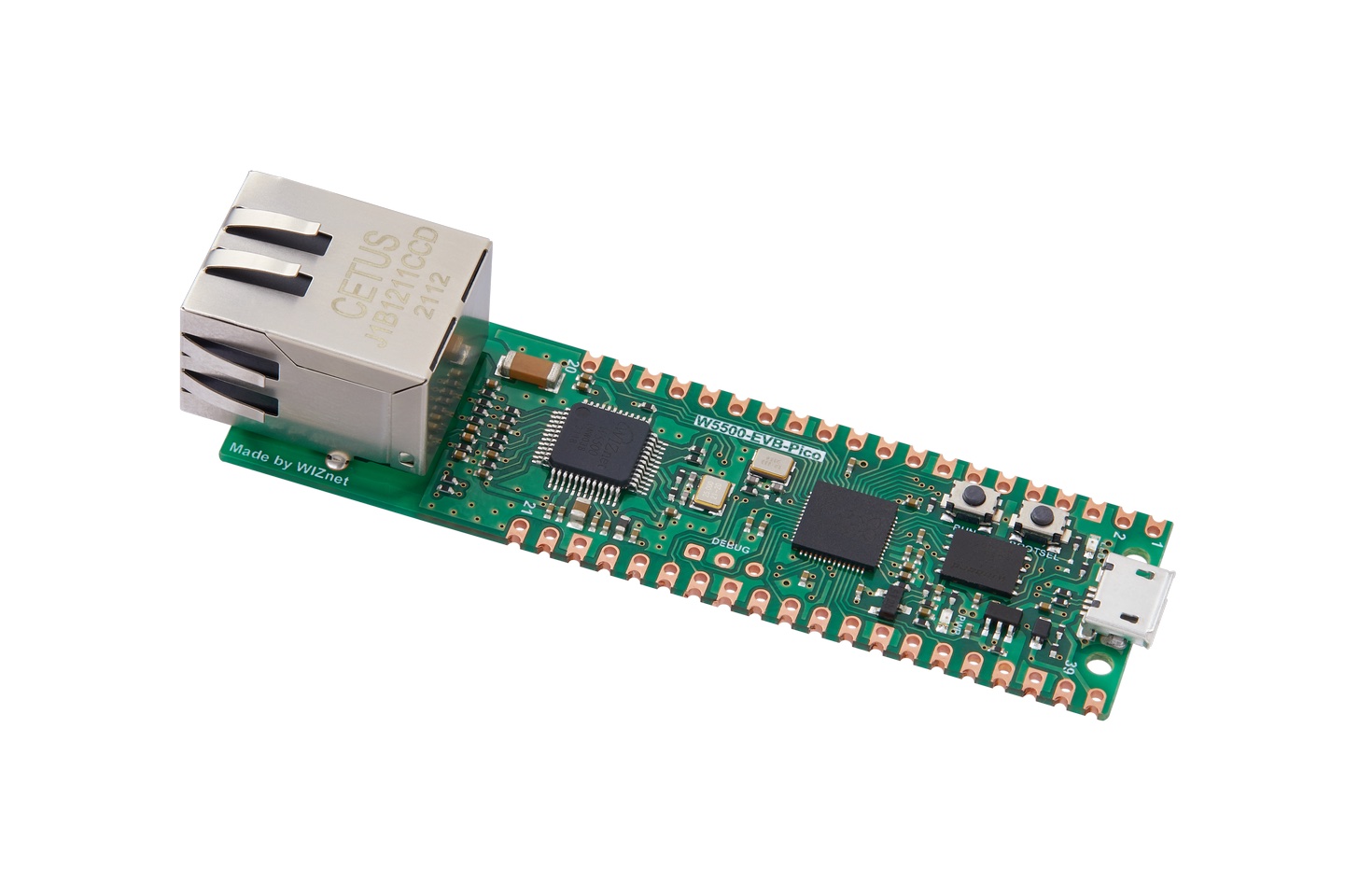
Vendor: WIZnet
Features: Dual-core, Ethernet, External Flash, USB
Source on GitHub: rp2/W5500_EVB_PICO
More info: Website
Wiznet W5500-EVB-Pico
Network Example
To use network / socket based code, connect ethernet port to network with DHCP running:
>>> import network
>>> nic = network.WIZNET5K()
>>> nic.active(True)
>>> nic.ifconfig()
('0.0.0.0', '0.0.0.0', '0.0.0.0', '0.0.0.0')
>>> nic.ifconfig("dhcp")
('192.168.0.10', '255.255.255.0', '192.168.0.1', '192.168.0.1')
>>> nic.isconnected()
True
At this point standard network communications libraries should work.
Installation instructions
Flashing via UF2 bootloader
To get the board in bootloader mode ready for the firmware update, execute
machine.bootloader() at the MicroPython REPL. Alternatively, hold
down the BOOTSEL button while plugging the board into USB. The uf2 file below
should then be copied to the USB mass storage device that appears. Once
programming of the new firmware is complete the device will automatically reset
and be ready for use.
Firmware
Releases
v1.29.0 (2026-08-24) .uf2
/ [Release notes]
(latest)
Preview builds
These are automatic builds of the development branch for the next release.